
Planner
Schedule work orders by delivery date, priority, line, and shift, identify overload, idle time, and unestimated tasks.
Focus: delivery / priority / capacityBased on product versions and process snapshots, through work orders, production scheduling, production capacity inspection and supervisor acceptance, orders are converted into work views used by planners, supervisors and operators.
Planners, supervisors and operators work together according to the status of the same work order, and each view the corresponding tasks and production information.
Schedule work orders by delivery date, priority, line, and shift, identify overload, idle time, and unestimated tasks.
Focus: delivery / priority / capacityAccept work orders, understand line status, work order progress, bottlenecks, and on-site exceptions, coordinate resources to resume production.
Focus: progress / load / exceptionsPick tasks from current line or workstation queues, follow steps to view instructions, start execution, report work, and submit issues.
Focus: Current process / quantity / guidanceProduct type, release version, steps, workstation, work instructions, and BOM.
Select product version, fill in planned quantity, production line, delivery date, and customer info.
Arrange date, shifts, and priorities, matching with production line and team available capacity.
Supervisor reviews the work order, allows batch creation, and moves it into the production queue.
Operator starts steps, checks ESOP, records output and anomalies.

A product version fixes one executable process path, including step sequence, workstations, instructions, checklist, and BOM. When a work order is created, a process snapshot is formed, and later template changes won’t silently rewrite orders in production.
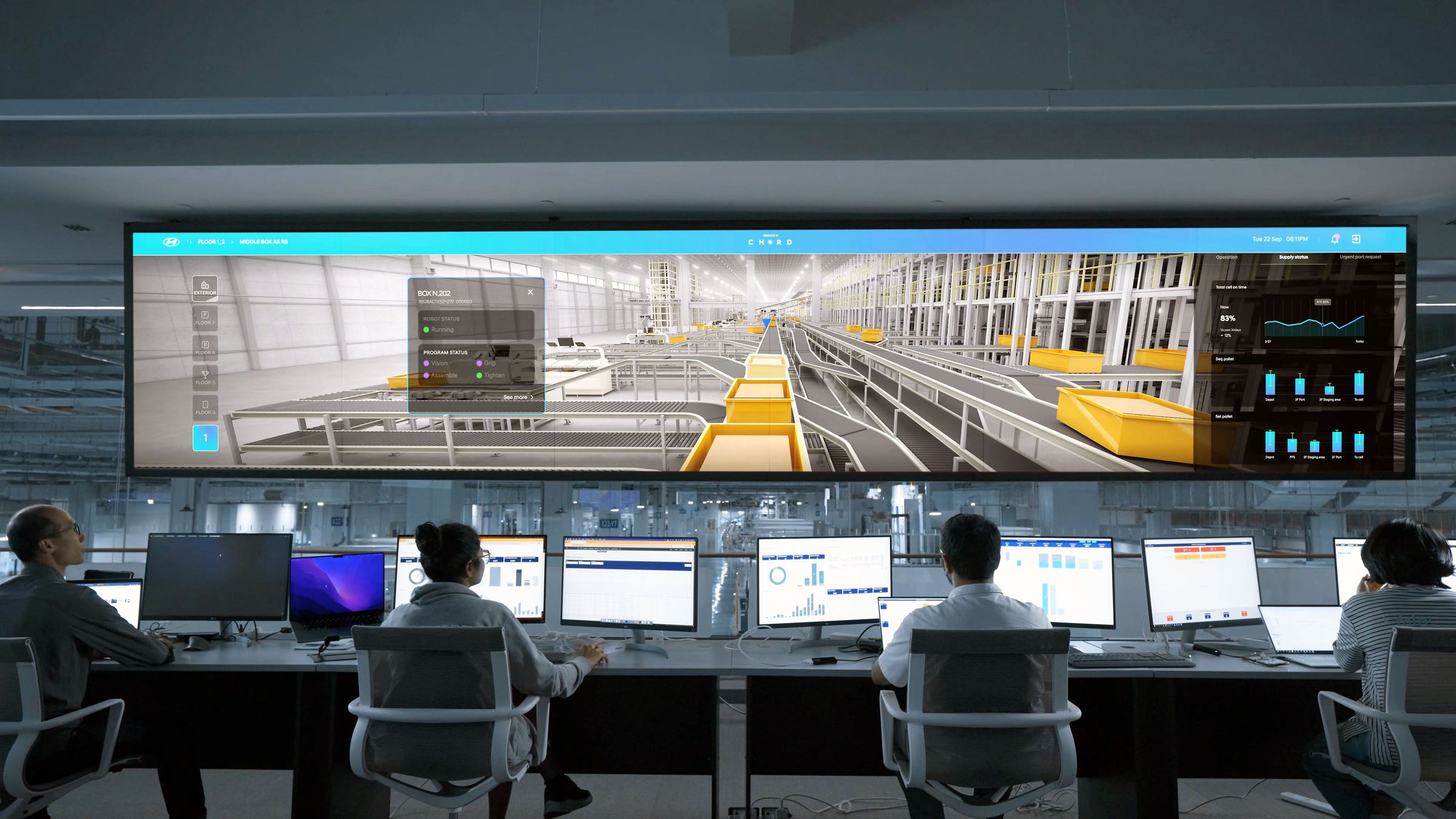
Supports weekly, daily, hourly and monthly views, and arranges work orders to production lines, shifts and time periods. The planned load is compared with the available working hours of the team, indicating overload, no shifts and unestimated working hours.
Execution entry is determined by production organization and permissions, supporting both line collaboration and routing within the line.
Steps without a specified workstation are completed collaboratively by operators with that line’s permission, suitable for line-managed scenarios without distinguishing workstations.
Once a step assigns a workstation, the system can filter queues by operator-bound workstations and limit execution, suitable for clear equipment and role responsibility lines.
Pending work orders must be accepted by a supervisor before any batch can be created; the review cannot be bypassed.
Once batches or work reports are generated, the production line, workstations, and process snapshots are protected.
Manual Production Reporting, machine counting and correction events are uniformly summarized, and the quantity is checked by event.
When changes in quantity, delivery, or other facts are needed, reasons, approvals, and effective records are kept.